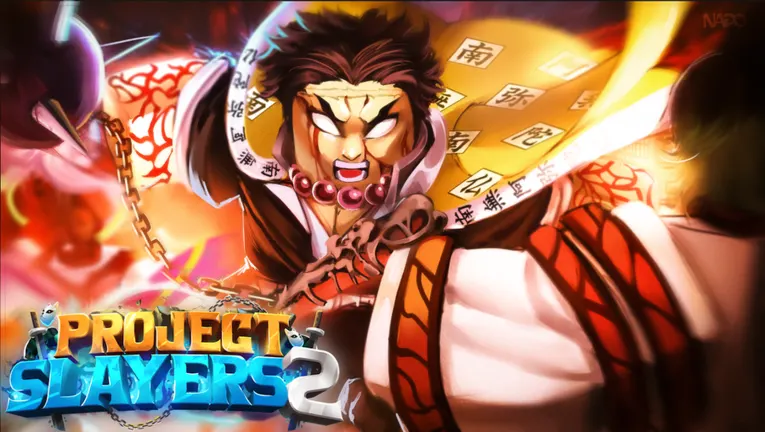
The safest project slayers 2 link is the Slayers 2 on Roblox game page. Use it to launch the experience and check its current official community links. For announcements, codes, updates, events, and bug reports, use the Project Slayers Discord invite or a current invite shown through Roblox or the developer community.
Official destinations
| Destination | Use it for |
|---|---|
| Slayers 2 on Roblox | Launching the game and checking current links |
| Project Slayers Discord | Announcements, codes, updates, events, and bug reports |
| Ouw Productions community | Joining before redeeming codes |
Slayers 2 is also called Project Slayers 2. Names can vary across pages, so confirm the live Roblox destination and its linked community resources instead of relying on search-result titles.
What is Slayers 2?
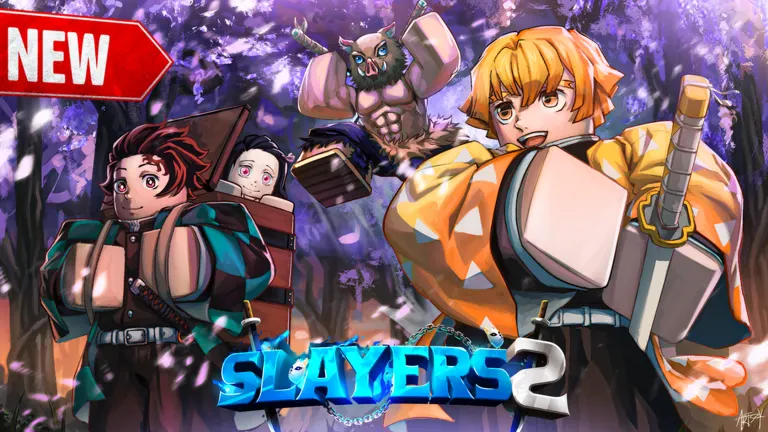
Slayers 2 is an anime-inspired RPG adventure inspired by Demon Slayer: Kimetsu no Yaiba. Players can choose a Demon Slayer or Demon path while progressing through combat, quests, and exploration.
- Fight powerful enemies and bosses.
- Train a character, unlock skills, and level up.
- Explore a massive world.
- Discover rare abilities and Breathing Styles.
- Complete quests and master combat skills.
- Take part in open-world exploration and PvP.
Codes and current updates
The official Discord is the main place for current announcements, patch notes, events, bug reports, and new codes. Join the Ouw Productions community before attempting code redemption.
To redeem a working code:
- Join the Ouw Productions community.
- Launch Slayers 2.
- Enter the code in the main-menu code redemption box.
- Select the green Redeem button.
Release26 was listed as active on September 18, 2026, with 100 Wen, 30 Spins, and 1 Refinement Ore. Codes can expire or change, so verify them before expecting rewards.
Previously listed expired codes include:
EVILARTSPINS— 54 SpinsSORRYFORSHUTDOWN— 39 SpinsPOINTSRESET— Reset Skill Points
Is it worth it?
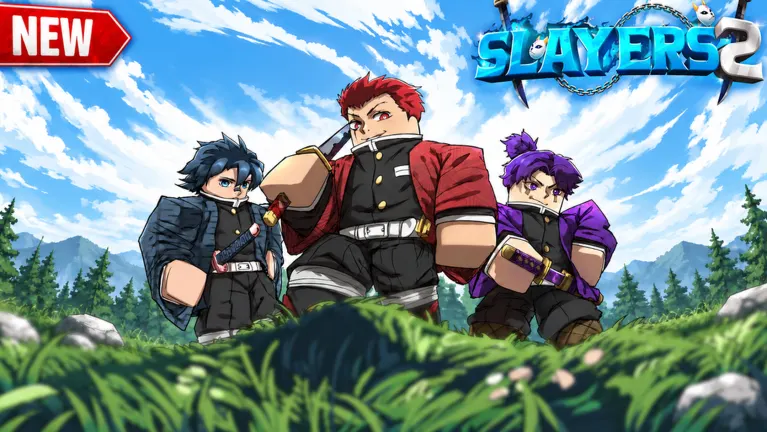
Verdict: use the Roblox page first. It is the clearest official starting point for launching Slayers 2 and finding current community destinations. Discord invites can rotate, so recheck the Roblox game page or developer group if an invite stops working.
Avoid fake links and downloads
A public developer-run Trello board is not officially confirmed. Supposed Slayers 2 Trello links may be fan boards or copies of the older Project Slayers 1 board, so do not treat them as official roadmap, patch-note, or code sources.
Use these safety checks:
- Prefer Discord invites shown on the Roblox page or developer group.
- Do not trust free Robux, script, or exploit offers.
- Do not download files for alleged rewards, cheats, or verification tools.
- Do not enter Roblox credentials on third-party pages.
- Treat player-made guides as guides, not official update notices.
FAQ
What is the official project slayers 2 link?
Use Slayers 2 on Roblox to launch the game and check current official links.
Is there an official Slayers 2 Trello?
A public developer-run Trello board is not officially confirmed. Use the official Discord for roadmap discussion, patch notes, and codes.
Where is the official Discord?
Use the Project Slayers Discord invite. If it fails, check the Roblox game page or developer community for a current invite.